

Make your fleet Intelligent.
JoTrack pairs proven telematics with two kinds of AI: a conversational assistant your team drives, and an autonomous agent that runs your fleet in the background.
Your conversational fleet copilot
Ask in plain language and JoTrack AI searches your fleet, replays trips, builds reports, and takes action — by voice or text.
A credible platform with a clear path into AI-assisted operations
Clients see a mature platform, not a single feature — AI adds productivity on top of proven operations. The story is business outcomes, not hype.
Proven Telematics Base
Vehicle tracking, fleet management, asset monitoring, bus monitoring, and school transport on one platform.
Operational Breadth
Tracking, dashboards, reports, notifications, maintenance, files, tasking, drivers, and administration in one workflow.
AI Advantage
An embedded assistant that helps teams search, replay, report, export, and act faster.
Regional Fit
A strong MENA-ready story for modern fleet intelligence and operational digitization.
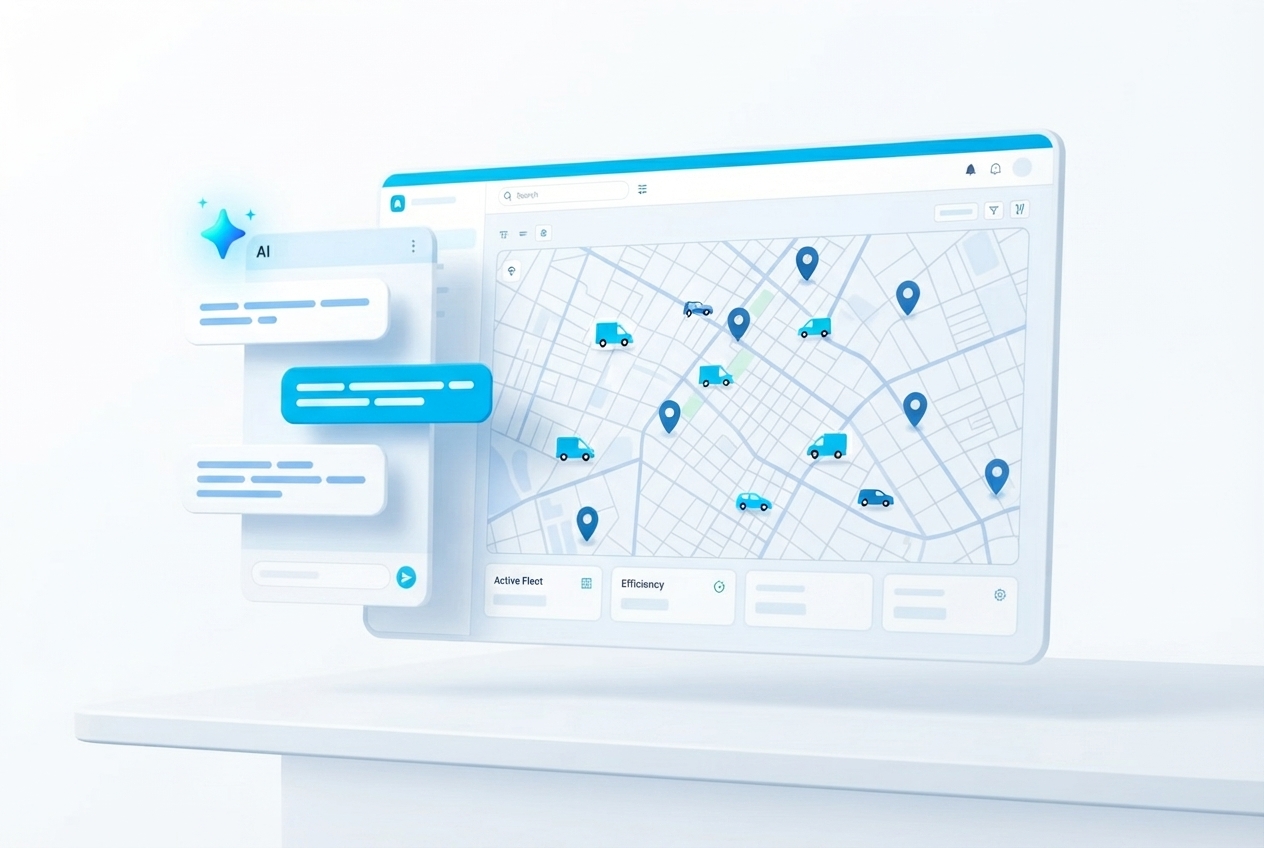
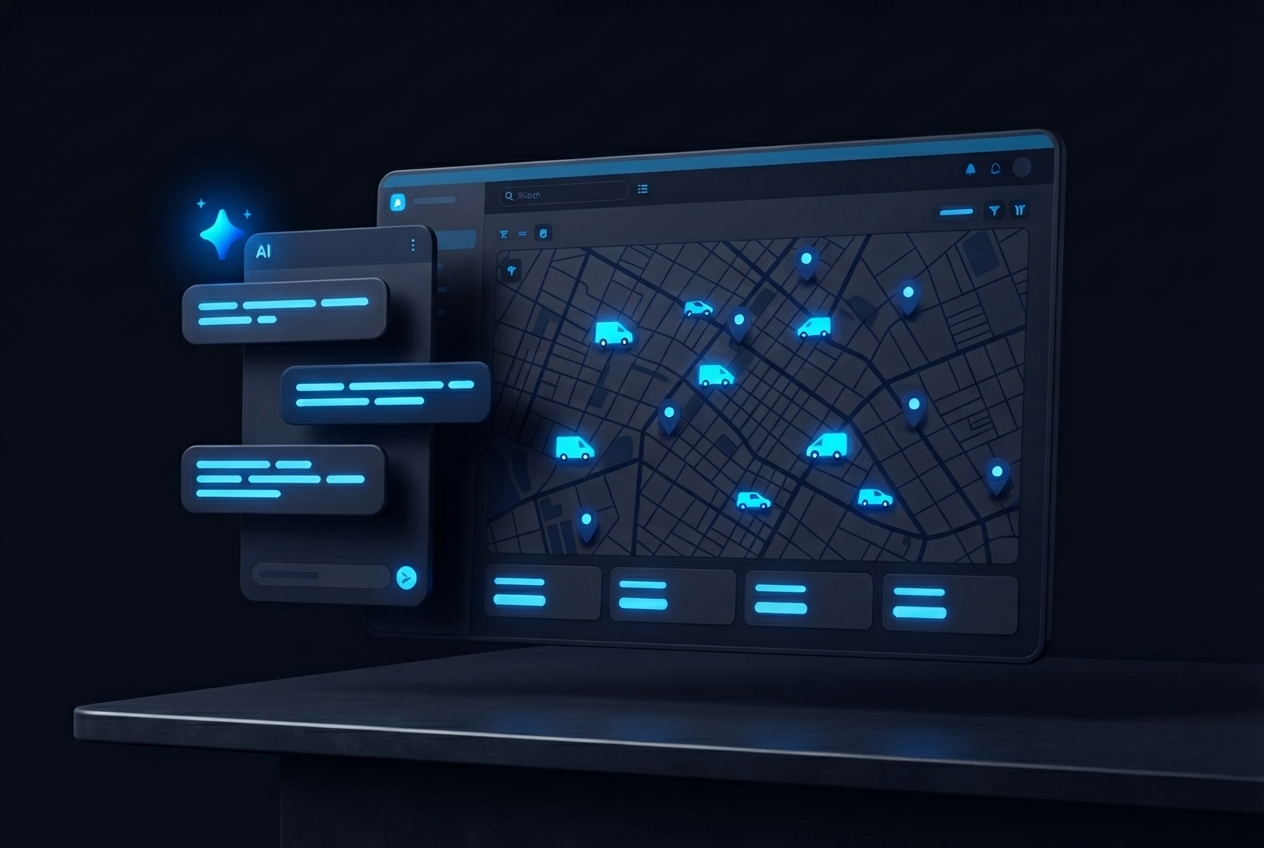
An assistant that understands your fleet intent
A workspace-based AI chat embedded directly inside the JoTrack experience. It interprets requests, chooses the right command, and returns the next best operational action.
- Ask for vehicles by plate or TEID — no navigating the tree
- Open track replay, reports, and dashboard insights conversationally
- Trigger map actions and exports right from the chat
- Get suggested next steps after every answer
Hands-free fleet interaction
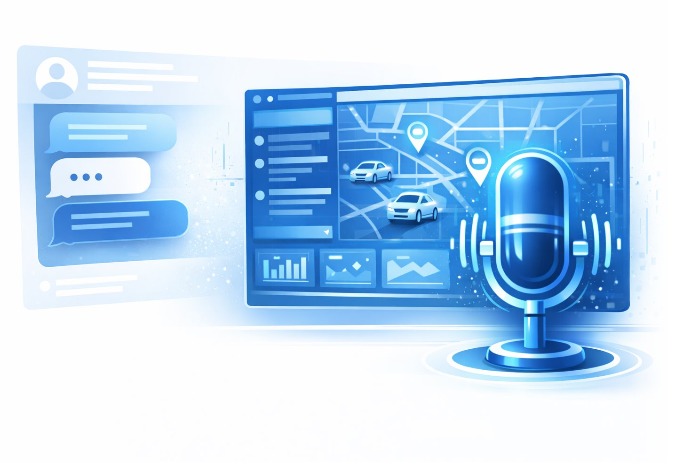
The AI Assistant supports speech-to-text and spoken replies, so operators can query vehicles, reports, routes, and map actions without typing. Fewer clicks, lower training effort.

Listen
The mic starts continuous recognition — just speak naturally.
Understand
AI resolves the intended fleet command from your words.
Execute
Maps, reports, share cards, and actions open inline.
Respond
The assistant speaks the answer and resumes listening.
Practical power, in plain language
Real operator moments — easy to understand, easy to love.
Search & Select Vehicles
Find by plate, TEID, or vehicle list without manually navigating the tree.
Open Track Replay
Review past routes inline or on the main map, including compare modes.
Run Reports & Export
Open the right report and download XLSX, CSV, or PDF in fewer steps.
Get Fleet Insights
Ask for maintenance status, top speed, mileage trends, and notifications.
Control the Map
Search on map, change layers, show POIs or fences, and focus the right area fast.
Share Live Information
Generate live location links and share through Google Maps, WhatsApp, or Facebook.
Guide the Next Step
Suggested follow-up actions like replay, export, choose vehicle, or choose date.
Simplify Training
Easier for new users and occasional operators to use the platform confidently.
Outcomes your operations team will feel
Not just tracking. Not AI for show. A practical productivity layer on top of proven telematics.
Faster Response Time
Teams get to the right vehicle, route, report, or map view faster during daily operations.
Higher Productivity
Less time navigating the platform means more time acting on fleet events and decisions.
Easier Onboarding
Conversational workflows reduce training effort for new dispatchers and occasional users.
Better Decisions
Insights, replay, reporting, and exports are easier to access when needed.
Meet your fleet's AI assistant
Ask by voice or chat — it searches vehicles, runs reports, and draws live charts from your own data.
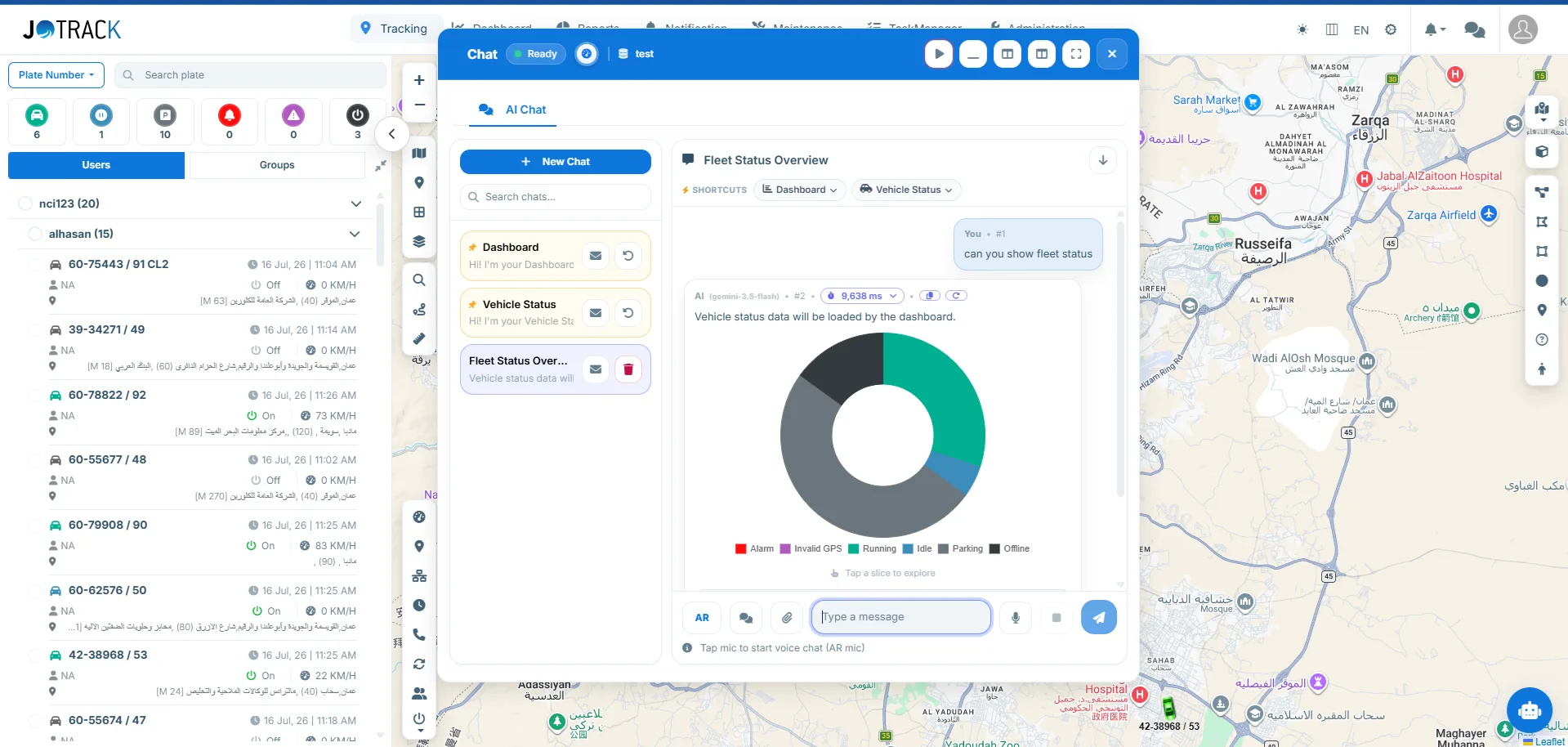
"Can you show fleet status?" — answered with a live chart, straight from the tracking data.
The same assistant, four different jobs
What people actually ask it, depending on where they sit.
Fleet manager
“Which vehicles are over budget on fuel this month?” · “Show me every harsh-braking event on the Amman–Aqaba route.” · “What did we spend on maintenance per vehicle last quarter?”
Dispatcher
“Who is closest to the Zarqa depot right now?” · “Is truck 4471 going to make the 14:00 window?” · “Which drivers are still out after 18:00?”
Executive
“How does this month compare with the same month last year?” · “What is our cost per kilometre by division?” · “Where are we losing the most time to idling?” Answers arrive as a chart you can export, not a query to hand to someone else.
New operator
“How do I set up a geofence around this site?” · “Where do I find yesterday’s trip report?” · “What does this alert mean?” The assistant is the shortest route from first login to useful work — no manual, no training session.
What the assistant can reach — and what it will not do
The useful question about an AI assistant is not what it can say, but what it can see and what it is prevented from doing. Both answers are below.
What it can see
Your own tenant's data, and nothing else: vehicles, trips, geofences, drivers, tasks and reports belonging to your organisation. It reads through the same permission model as the person asking — a dispatcher who cannot open a report in the console cannot obtain it by asking for it either.
What it can do
Answer questions, run reports, filter the map, replay trips and open the screen you asked for, in Arabic or English. Every action it takes is one you could have taken yourself in the interface.
What it will not do
It does not share vehicle or driver location outside your organisation, and it will not take an action that could cause harm — no cutting an engine, no disabling a vehicle, no action outside the permissions of the person asking. Requests of that kind are refused rather than escalated.
What it cannot know
Anything outside your fleet data. It has no access to other customers, and it does not invent a figure when the data is missing — if a report has no rows for the period you asked about, it says so.
An autonomous manager that’s always on
The Fleet Agent watches every vehicle around the clock, opens a case the moment something's off, decides what to do, and acts — with you in control.
From dashboards you watch to an agent that watches for you
Traditional telematics shows you data and waits. The Fleet Agent flips the model — it monitors continuously, catches problems early, and drives them to resolution, so your team manages exceptions instead of screens.
Always On
Runs continuously in the background — no one has to be staring at the map.
Catches Issues Early
Surfaces problems the moment they appear, before they become incidents.
Acts, Not Just Alerts
Doesn't stop at a notification — it takes the next step and follows through.
Always Under Your Control
Approval workflow, severity thresholds, and a shadow mode keep you in charge.
Seven steps, and where the human sits
From the moment an event crosses a threshold to the moment the case is closed — and the points where you stay in control.
An event crosses a threshold you set — speed, out-of-hours movement, a geofence breach.
Severity is scored against history: a first occurrence and a fifth in a week are not the same problem.
One case, one card — the evidence, the location trail and the vehicle's record in one place.
A specific next action, with the reasoning shown, so the decision stays yours and stays auditable.
The recommended action is carried out inside the limits you define — never beyond them.
Re-checking whether the action worked, and reopening the case if it did not.
Resolution recorded against the vehicle and the driver, feeding the next severity assessment.
Every step runs inside the thresholds and permissions you set — the agent works to your rules, not around them.
02:47, on the Desert Highway.
This is what "autonomous" actually means — a real case, the way the agent runs it.
Truck 4718 hits 154 km/h south of Qatraneh. The agent opens a case.
AI assessment: severity High — 34 km/h over the limit, and the second event for this driver this week.
The agent sends the driver a warning SMS — per the policy your fleet manager set.
Speed back to normal. The agent keeps watching the vehicle for a relapse.
Case resolved and filed — full activity trail, driver history updated, waiting in the morning report.
Nobody woke up. Nothing was missed.
Monitor. Detect. Assess. Decide. Act.
Every issue becomes a case the agent drives from open to resolved — with a full activity trail.
Monitor
Continuous fleet review scans every vehicle and event around the clock.
Detect
Opens a case the moment it spots overspeed, a geofence breach, idling, fuel or device anomalies, and more.
Assess
AI scores severity from Low to Critical and investigates the context behind it.
Decide
Proposes the right action — you approve it, or let it act automatically on your rules.
Act & Resolve
Notifies the driver or escalates to a manager, then tracks the case to resolution.
Ten kinds of fleet risk, monitored automatically
The agent opens and manages a case for each — so nothing slips through.
Autonomous — but never out of control
Roll it out safely and dial up autonomy at your own pace.
Approval Workflow
Maker-checker control: the agent proposes, a manager approves or rejects before anything is sent.
Shadow Mode
Start observe-only: the agent opens and assesses cases without acting, so you can trust it first.
Severity Thresholds
Only act above the severity you choose — let low-priority cases just be logged.
Full Activity Trail
Every case logs open, assess, propose, approve, send, escalate, and resolve — fully auditable.
Fewer incidents, less manual watching
An always-on manager that turns raw telematics into handled outcomes.
Issues Caught in Minutes
Problems are opened and assessed as they happen — not discovered days later in a report.
Fewer Incidents
Early intervention on risky behavior and device faults reduces accidents and downtime.
Less Manual Monitoring
Your team handles exceptions the agent surfaces instead of watching dashboards all day.
Consistent Enforcement
Every policy is applied the same way, every time, across the whole fleet.
The truck that shouldn't have been moving.
Van 1187 starts moving — no assignment, outside working hours. The agent opens an unauthorized-use case.
Cross-check: no booking, no assigned driver shift. Severity: Critical.
The manager's phone rings with the alert: live location and a replay link, while the vehicle is still inside the city.
Vehicle stopped and recovered at the gate. Case annotated, evidence preserved.
Nine minutes from ignition to intercepted. That's the agent.
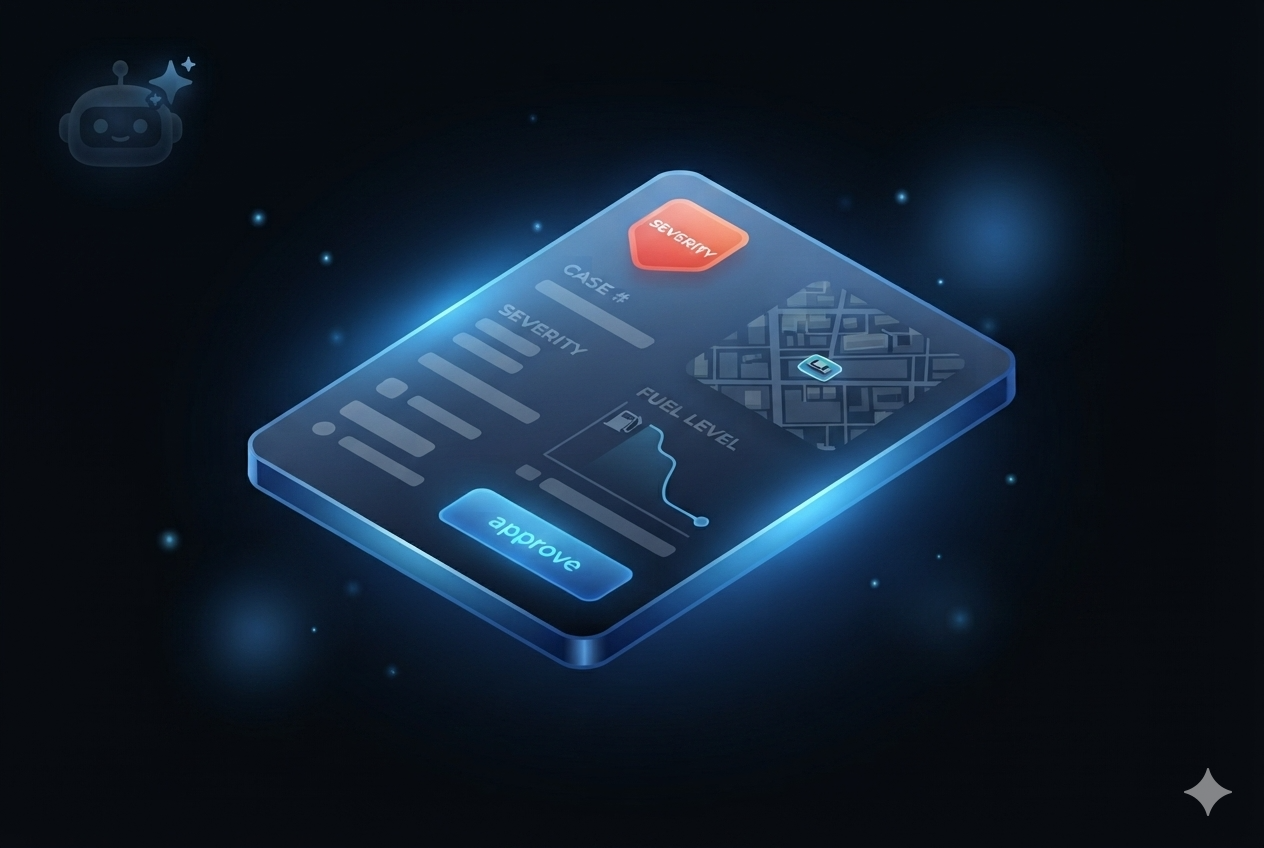
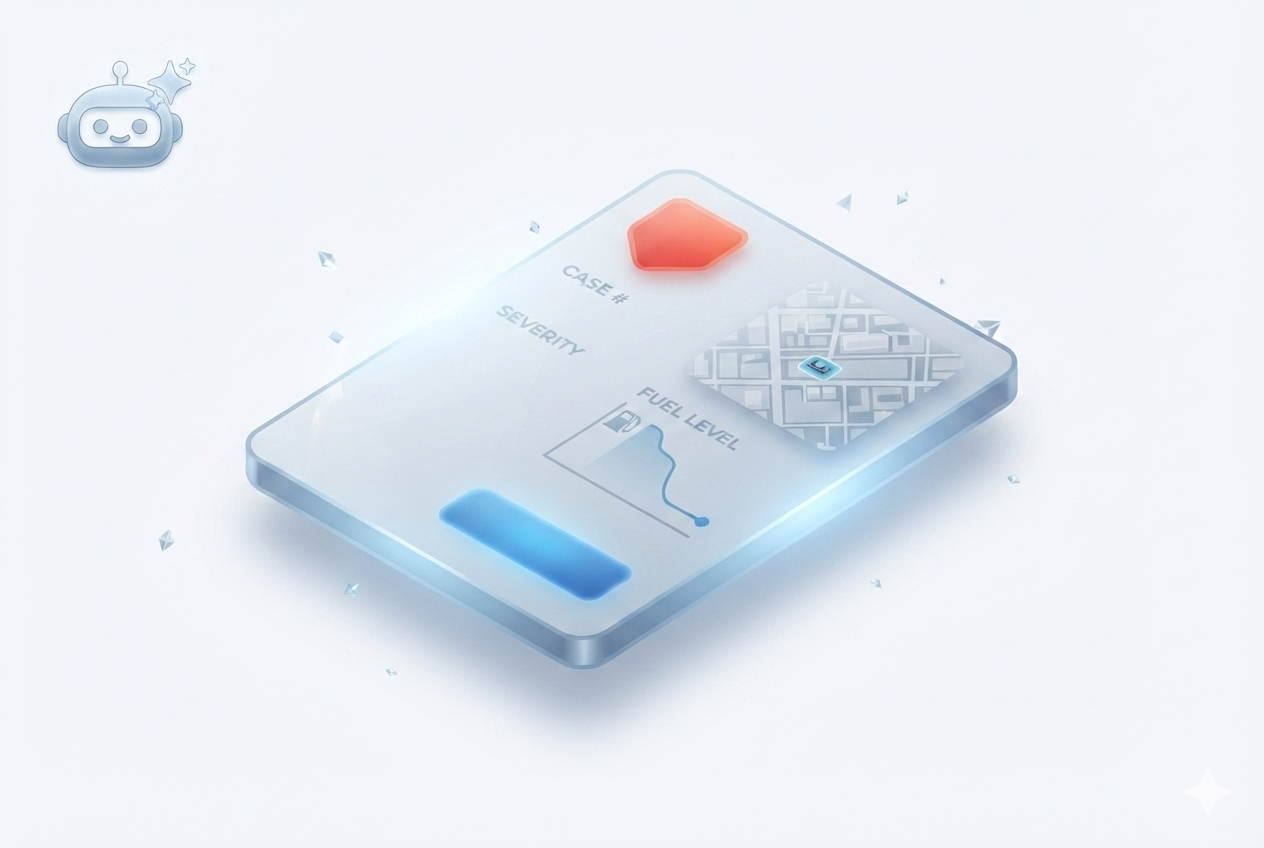
Every incident, packaged as a decision
Severity badge, location snippet, the evidence curve, and one approve button. The agent doesn't send you raw data — it sends you a decision that takes five seconds to make.
Approve it, reject it, or let your rules answer for you.
Ready to make your fleet smarter?
Book a demo or start your pilot — let's improve your fleet operations. Driving smarter fleet decisions with AI.
Book a Demo